


Page 137 - CSharp/C#
P. 137
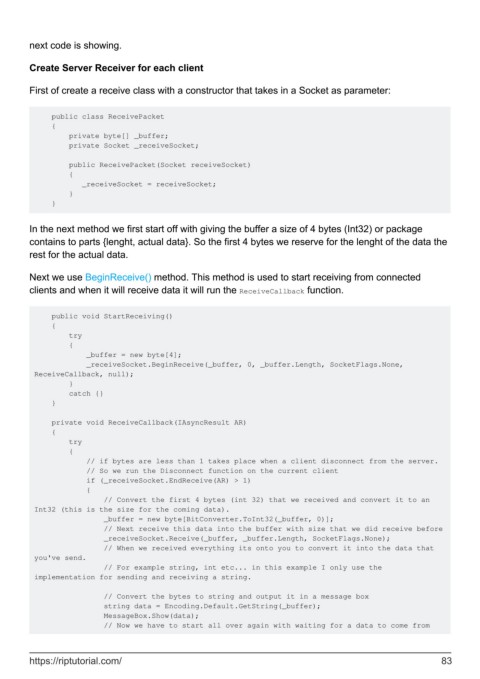
next code is showing.


        Create Server Receiver for each client

        First of create a receive class with a constructor that takes in a Socket as parameter:


             public class ReceivePacket
             {
                 private byte[] _buffer;
                 private Socket _receiveSocket;

                 public ReceivePacket(Socket receiveSocket)
                 {
                    _receiveSocket = receiveSocket;
                 }
             }


        In the next method we first start off with giving the buffer a size of 4 bytes (Int32) or package
        contains to parts {lenght, actual data}. So the first 4 bytes we reserve for the lenght of the data the
        rest for the actual data.

        Next we use BeginReceive() method. This method is used to start receiving from connected
        clients and when it will receive data it will run the ReceiveCallback function.


             public void StartReceiving()
             {
                 try
                 {
                     _buffer = new byte[4];
                     _receiveSocket.BeginReceive(_buffer, 0, _buffer.Length, SocketFlags.None,
         ReceiveCallback, null);
                 }
                 catch {}
             }

             private void ReceiveCallback(IAsyncResult AR)
             {
                 try
                 {
                     // if bytes are less than 1 takes place when a client disconnect from the server.
                     // So we run the Disconnect function on the current client
                     if (_receiveSocket.EndReceive(AR) > 1)
                     {
                         // Convert the first 4 bytes (int 32) that we received and convert it to an
         Int32 (this is the size for the coming data).
                         _buffer = new byte[BitConverter.ToInt32(_buffer, 0)];
                         // Next receive this data into the buffer with size that we did receive before
                         _receiveSocket.Receive(_buffer, _buffer.Length, SocketFlags.None);
                         // When we received everything its onto you to convert it into the data that
         you've send.
                         // For example string, int etc... in this example I only use the
         implementation for sending and receiving a string.

                         // Convert the bytes to string and output it in a message box
                         string data = Encoding.Default.GetString(_buffer);
                         MessageBox.Show(data);
                         // Now we have to start all over again with waiting for a data to come from


        https://riptutorial.com/                                                                               83

