


Page 132 - CSharp/C#
P. 132
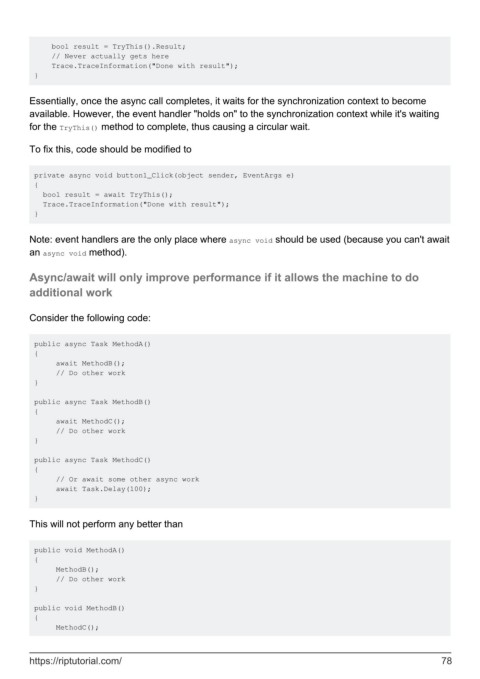
bool result = TryThis().Result;
             // Never actually gets here
             Trace.TraceInformation("Done with result");
         }


        Essentially, once the async call completes, it waits for the synchronization context to become
        available. However, the event handler "holds on" to the synchronization context while it's waiting
        for the TryThis() method to complete, thus causing a circular wait.

        To fix this, code should be modified to


         private async void button1_Click(object sender, EventArgs e)
         {
           bool result = await TryThis();
           Trace.TraceInformation("Done with result");
         }


        Note: event handlers are the only place where async void should be used (because you can't await
        an async void method).


        Async/await will only improve performance if it allows the machine to do

        additional work


        Consider the following code:


         public async Task MethodA()
         {
              await MethodB();
              // Do other work
         }

         public async Task MethodB()
         {
              await MethodC();
              // Do other work
         }

         public async Task MethodC()
         {
              // Or await some other async work
              await Task.Delay(100);
         }


        This will not perform any better than


         public void MethodA()
         {
              MethodB();
              // Do other work
         }

         public void MethodB()
         {
              MethodC();


        https://riptutorial.com/                                                                               78

