


Page 63 - CSharp/C#
P. 63
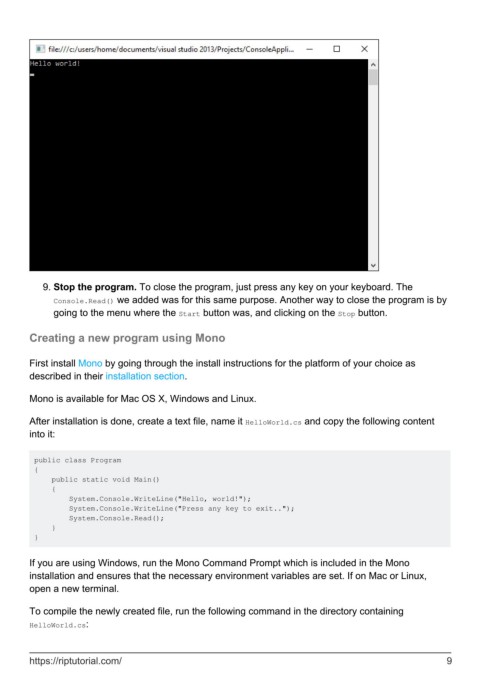
9.  Stop the program. To close the program, just press any key on your keyboard. The
              Console.Read() we added was for this same purpose. Another way to close the program is by
              going to the menu where the Start button was, and clicking on the Stop button.


        Creating a new program using Mono


        First install Mono by going through the install instructions for the platform of your choice as
        described in their installation section.

        Mono is available for Mac OS X, Windows and Linux.


        After installation is done, create a text file, name it HelloWorld.cs and copy the following content
        into it:


         public class Program
         {
             public static void Main()
             {
                 System.Console.WriteLine("Hello, world!");
                 System.Console.WriteLine("Press any key to exit..");
                 System.Console.Read();
             }
         }


        If you are using Windows, run the Mono Command Prompt which is included in the Mono
        installation and ensures that the necessary environment variables are set. If on Mac or Linux,
        open a new terminal.

        To compile the newly created file, run the following command in the directory containing
        HelloWorld.cs:


        https://riptutorial.com/                                                                                9

