


Page 57 - CSharp/C#
P. 57
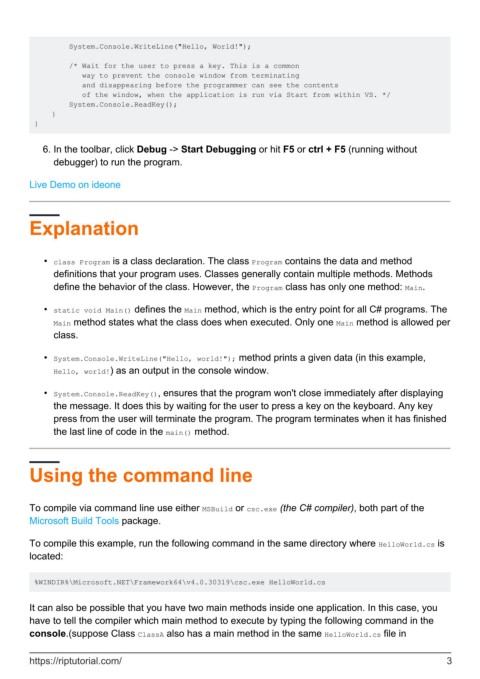
System.Console.WriteLine("Hello, World!");

                 /* Wait for the user to press a key. This is a common
                    way to prevent the console window from terminating
                    and disappearing before the programmer can see the contents
                    of the window, when the application is run via Start from within VS. */
                 System.Console.ReadKey();
             }
         }


            6.  In the toolbar, click Debug -> Start Debugging or hit F5 or ctrl + F5 (running without
              debugger) to run the program.


        Live Demo on ideone


        Explanation


            •  class Program is a class declaration. The class Program contains the data and method
              definitions that your program uses. Classes generally contain multiple methods. Methods
              define the behavior of the class. However, the Program class has only one method: Main.

            •  static void Main() defines the Main method, which is the entry point for all C# programs. The
              Main method states what the class does when executed. Only one Main method is allowed per
              class.


            •  System.Console.WriteLine("Hello, world!"); method prints a given data (in this example,
              Hello, world!) as an output in the console window.

            •  System.Console.ReadKey(), ensures that the program won't close immediately after displaying
              the message. It does this by waiting for the user to press a key on the keyboard. Any key
              press from the user will terminate the program. The program terminates when it has finished
              the last line of code in the main() method.


        Using the command line


        To compile via command line use either MSBuild or csc.exe (the C# compiler), both part of the
        Microsoft Build Tools package.


        To compile this example, run the following command in the same directory where HelloWorld.cs is
        located:


         %WINDIR%\Microsoft.NET\Framework64\v4.0.30319\csc.exe HelloWorld.cs


        It can also be possible that you have two main methods inside one application. In this case, you
        have to tell the compiler which main method to execute by typing the following command in the
        console.(suppose Class ClassA also has a main method in the same HelloWorld.cs file in


        https://riptutorial.com/                                                                                3

