


Page 176 - CSharp/C#
P. 176
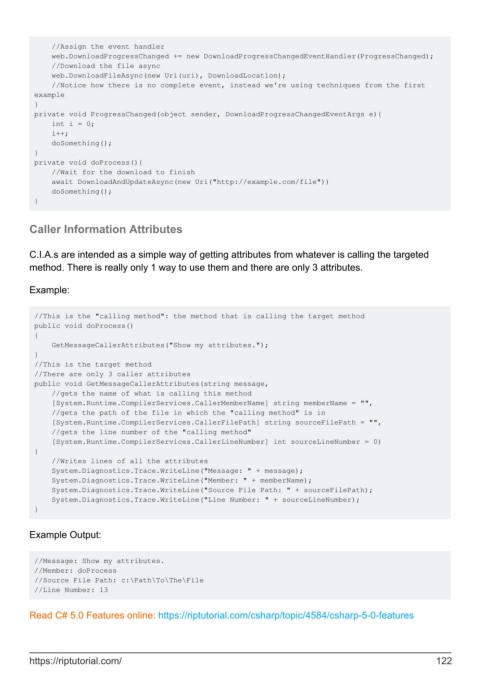
//Assign the event handler
             web.DownloadProgressChanged += new DownloadProgressChangedEventHandler(ProgressChanged);
             //Download the file async
             web.DownloadFileAsync(new Uri(uri), DownloadLocation);
             //Notice how there is no complete event, instead we're using techniques from the first
         example
         }
         private void ProgressChanged(object sender, DownloadProgressChangedEventArgs e){
             int i = 0;
             i++;
             doSomething();
         }
         private void doProcess(){
             //Wait for the download to finish
             await DownloadAndUpdateAsync(new Uri("http://example.com/file"))
             doSomething();
         }


        Caller Information Attributes


        C.I.A.s are intended as a simple way of getting attributes from whatever is calling the targeted
        method. There is really only 1 way to use them and there are only 3 attributes.

        Example:


         //This is the "calling method": the method that is calling the target method
         public void doProcess()
         {
             GetMessageCallerAttributes("Show my attributes.");
         }
         //This is the target method
         //There are only 3 caller attributes
         public void GetMessageCallerAttributes(string message,
             //gets the name of what is calling this method
             [System.Runtime.CompilerServices.CallerMemberName] string memberName = "",
             //gets the path of the file in which the "calling method" is in
             [System.Runtime.CompilerServices.CallerFilePath] string sourceFilePath = "",
             //gets the line number of the "calling method"
             [System.Runtime.CompilerServices.CallerLineNumber] int sourceLineNumber = 0)
         {
             //Writes lines of all the attributes
             System.Diagnostics.Trace.WriteLine("Message: " + message);
             System.Diagnostics.Trace.WriteLine("Member: " + memberName);
             System.Diagnostics.Trace.WriteLine("Source File Path: " + sourceFilePath);
             System.Diagnostics.Trace.WriteLine("Line Number: " + sourceLineNumber);
         }


        Example Output:


         //Message: Show my attributes.
         //Member: doProcess
         //Source File Path: c:\Path\To\The\File
         //Line Number: 13


        Read C# 5.0 Features online: https://riptutorial.com/csharp/topic/4584/csharp-5-0-features


        https://riptutorial.com/                                                                             122

