


Page 175 - CSharp/C#
P. 175
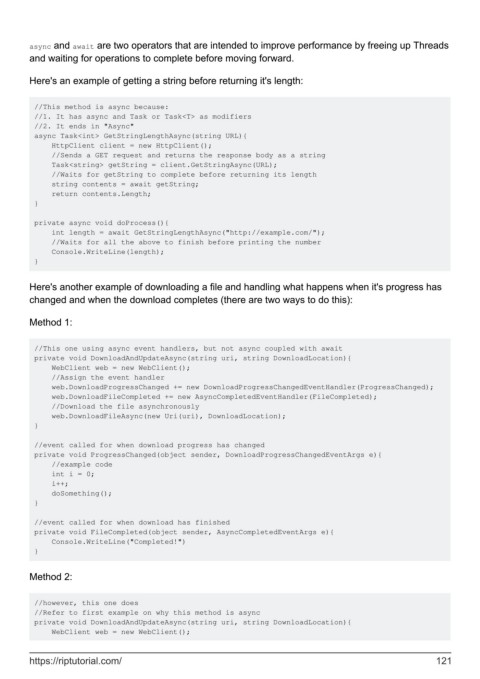
async and await are two operators that are intended to improve performance by freeing up Threads
        and waiting for operations to complete before moving forward.


        Here's an example of getting a string before returning it's length:


         //This method is async because:
         //1. It has async and Task or Task<T> as modifiers
         //2. It ends in "Async"
         async Task<int> GetStringLengthAsync(string URL){
             HttpClient client = new HttpClient();
             //Sends a GET request and returns the response body as a string
             Task<string> getString = client.GetStringAsync(URL);
             //Waits for getString to complete before returning its length
             string contents = await getString;
             return contents.Length;
         }

         private async void doProcess(){
             int length = await GetStringLengthAsync("http://example.com/");
             //Waits for all the above to finish before printing the number
             Console.WriteLine(length);
         }


        Here's another example of downloading a file and handling what happens when it's progress has
        changed and when the download completes (there are two ways to do this):

        Method 1:


         //This one using async event handlers, but not async coupled with await
         private void DownloadAndUpdateAsync(string uri, string DownloadLocation){
             WebClient web = new WebClient();
             //Assign the event handler
             web.DownloadProgressChanged += new DownloadProgressChangedEventHandler(ProgressChanged);
             web.DownloadFileCompleted += new AsyncCompletedEventHandler(FileCompleted);
             //Download the file asynchronously
             web.DownloadFileAsync(new Uri(uri), DownloadLocation);
         }

         //event called for when download progress has changed
         private void ProgressChanged(object sender, DownloadProgressChangedEventArgs e){
             //example code
             int i = 0;
             i++;
             doSomething();
         }

         //event called for when download has finished
         private void FileCompleted(object sender, AsyncCompletedEventArgs e){
             Console.WriteLine("Completed!")
         }


        Method 2:


         //however, this one does
         //Refer to first example on why this method is async
         private void DownloadAndUpdateAsync(string uri, string DownloadLocation){
             WebClient web = new WebClient();


        https://riptutorial.com/                                                                             121

