


Page 145 - CSharp/C#
P. 145
probably not be syntactically valid and produce an error while debugging.


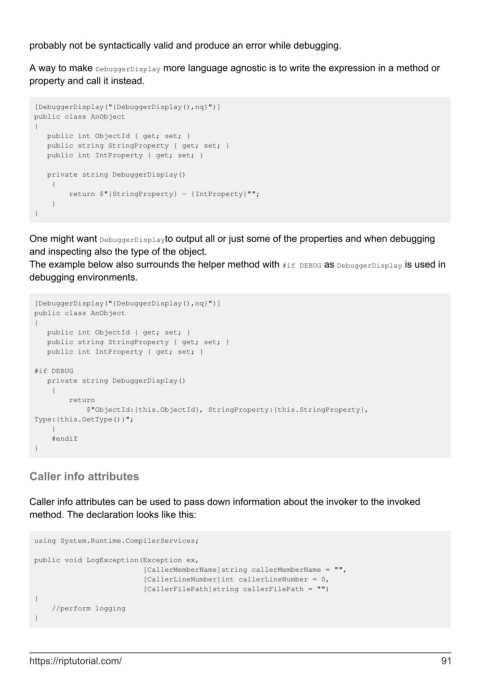
        A way to make DebuggerDisplay more language agnostic is to write the expression in a method or
        property and call it instead.


         [DebuggerDisplay("{DebuggerDisplay(),nq}")]
         public class AnObject
         {
            public int ObjectId { get; set; }
            public string StringProperty { get; set; }
            public int IntProperty { get; set; }

            private string DebuggerDisplay()
             {
                 return $"{StringProperty} - {IntProperty}"";
             }
         }


        One might want DebuggerDisplayto output all or just some of the properties and when debugging
        and inspecting also the type of the object.
        The example below also surrounds the helper method with #if DEBUG as DebuggerDisplay is used in
        debugging environments.


         [DebuggerDisplay("{DebuggerDisplay(),nq}")]
         public class AnObject
         {
            public int ObjectId { get; set; }
            public string StringProperty { get; set; }
            public int IntProperty { get; set; }

         #if DEBUG
            private string DebuggerDisplay()
             {
                 return
                     $"ObjectId:{this.ObjectId}, StringProperty:{this.StringProperty},
         Type:{this.GetType()}";
             }
             #endif
         }


        Caller info attributes


        Caller info attributes can be used to pass down information about the invoker to the invoked
        method. The declaration looks like this:


         using System.Runtime.CompilerServices;

         public void LogException(Exception ex,
                                  [CallerMemberName]string callerMemberName = "",
                                  [CallerLineNumber]int callerLineNumber = 0,
                                  [CallerFilePath]string callerFilePath = "")
         {
             //perform logging
         }


        https://riptutorial.com/                                                                               91

