


Page 90 - CSharp/C#
P. 90
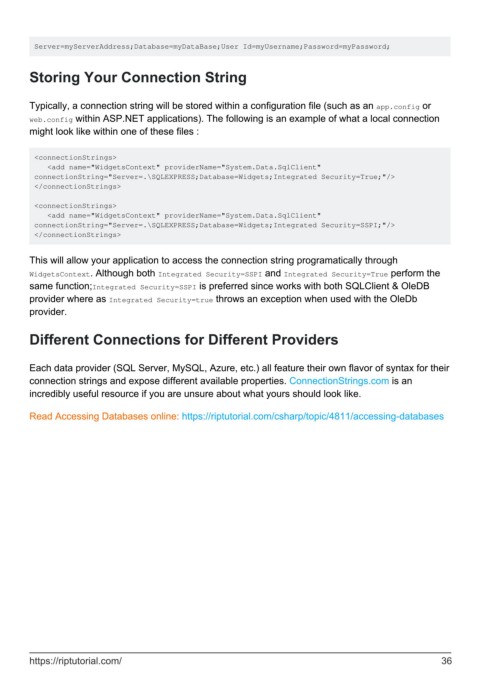
Server=myServerAddress;Database=myDataBase;User Id=myUsername;Password=myPassword;


        Storing Your Connection String


        Typically, a connection string will be stored within a configuration file (such as an app.config or
        web.config within ASP.NET applications). The following is an example of what a local connection
        might look like within one of these files :


         <connectionStrings>
            <add name="WidgetsContext" providerName="System.Data.SqlClient"
         connectionString="Server=.\SQLEXPRESS;Database=Widgets;Integrated Security=True;"/>
         </connectionStrings>

         <connectionStrings>
            <add name="WidgetsContext" providerName="System.Data.SqlClient"
         connectionString="Server=.\SQLEXPRESS;Database=Widgets;Integrated Security=SSPI;"/>
         </connectionStrings>


        This will allow your application to access the connection string programatically through
        WidgetsContext. Although both Integrated Security=SSPI and Integrated Security=True perform the
        same function;Integrated Security=SSPI is preferred since works with both SQLClient & OleDB
        provider where as Integrated Security=true throws an exception when used with the OleDb
        provider.


        Different Connections for Different Providers


        Each data provider (SQL Server, MySQL, Azure, etc.) all feature their own flavor of syntax for their
        connection strings and expose different available properties. ConnectionStrings.com is an
        incredibly useful resource if you are unsure about what yours should look like.


        Read Accessing Databases online: https://riptutorial.com/csharp/topic/4811/accessing-databases


        https://riptutorial.com/                                                                               36

