


Page 89 - CSharp/C#
P. 89
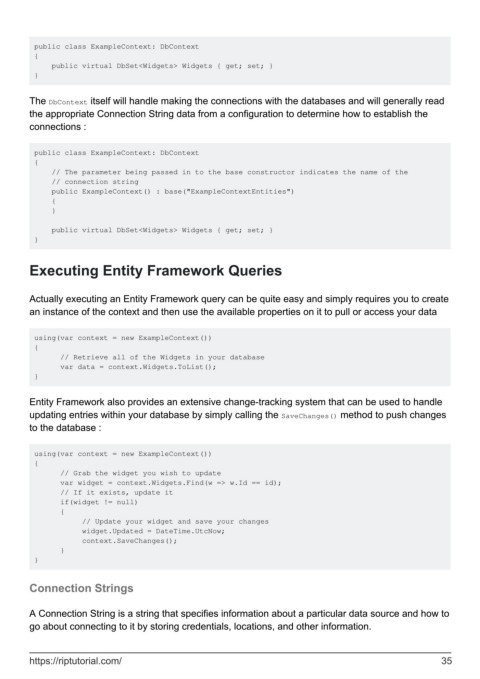
public class ExampleContext: DbContext
         {
             public virtual DbSet<Widgets> Widgets { get; set; }
         }


        The DbContext itself will handle making the connections with the databases and will generally read
        the appropriate Connection String data from a configuration to determine how to establish the
        connections :


         public class ExampleContext: DbContext
         {
             // The parameter being passed in to the base constructor indicates the name of the
             // connection string
             public ExampleContext() : base("ExampleContextEntities")
             {
             }

             public virtual DbSet<Widgets> Widgets { get; set; }
         }


        Executing Entity Framework Queries


        Actually executing an Entity Framework query can be quite easy and simply requires you to create
        an instance of the context and then use the available properties on it to pull or access your data


         using(var context = new ExampleContext())
         {
               // Retrieve all of the Widgets in your database
               var data = context.Widgets.ToList();
         }


        Entity Framework also provides an extensive change-tracking system that can be used to handle
        updating entries within your database by simply calling the SaveChanges() method to push changes
        to the database :


         using(var context = new ExampleContext())
         {
               // Grab the widget you wish to update
               var widget = context.Widgets.Find(w => w.Id == id);
               // If it exists, update it
               if(widget != null)
               {
                    // Update your widget and save your changes
                    widget.Updated = DateTime.UtcNow;
                    context.SaveChanges();
               }
         }


        Connection Strings


        A Connection String is a string that specifies information about a particular data source and how to
        go about connecting to it by storing credentials, locations, and other information.


        https://riptutorial.com/                                                                               35

