


Page 106 - CSharp/C#
P. 106
Getting/Setting values


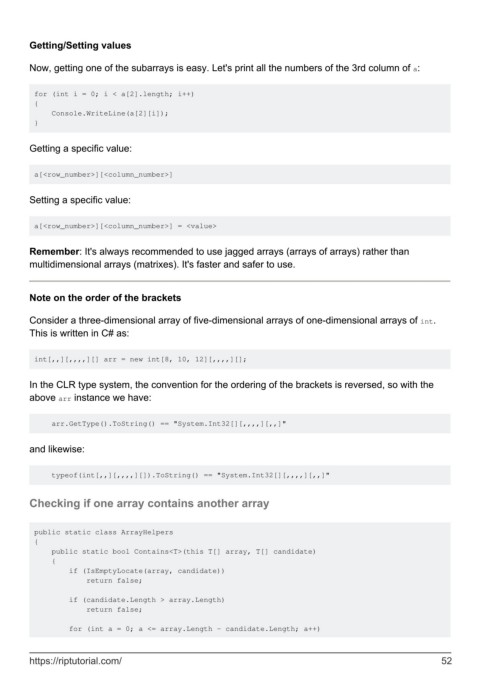
        Now, getting one of the subarrays is easy. Let's print all the numbers of the 3rd column of a:


         for (int i = 0; i < a[2].length; i++)
         {
             Console.WriteLine(a[2][i]);
         }


        Getting a specific value:


         a[<row_number>][<column_number>]


        Setting a specific value:


         a[<row_number>][<column_number>] = <value>


        Remember: It's always recommended to use jagged arrays (arrays of arrays) rather than
        multidimensional arrays (matrixes). It's faster and safer to use.


        Note on the order of the brackets

        Consider a three-dimensional array of five-dimensional arrays of one-dimensional arrays of int.
        This is written in C# as:


         int[,,][,,,,][] arr = new int[8, 10, 12][,,,,][];


        In the CLR type system, the convention for the ordering of the brackets is reversed, so with the
        above arr instance we have:


             arr.GetType().ToString() == "System.Int32[][,,,,][,,]"


        and likewise:


             typeof(int[,,][,,,,][]).ToString() == "System.Int32[][,,,,][,,]"


        Checking if one array contains another array


         public static class ArrayHelpers
         {
             public static bool Contains<T>(this T[] array, T[] candidate)
             {
                 if (IsEmptyLocate(array, candidate))
                     return false;

                 if (candidate.Length > array.Length)
                     return false;

                 for (int a = 0; a <= array.Length - candidate.Length; a++)


        https://riptutorial.com/                                                                               52

